Generate Requirements Documentation
Copy Link
You can automatically generate project documentation directly from live project data using the templated document exporter in Requirements Portal. This capability saves time and ensures accuracy, consistency, and traceability—without manual updates or formatting.
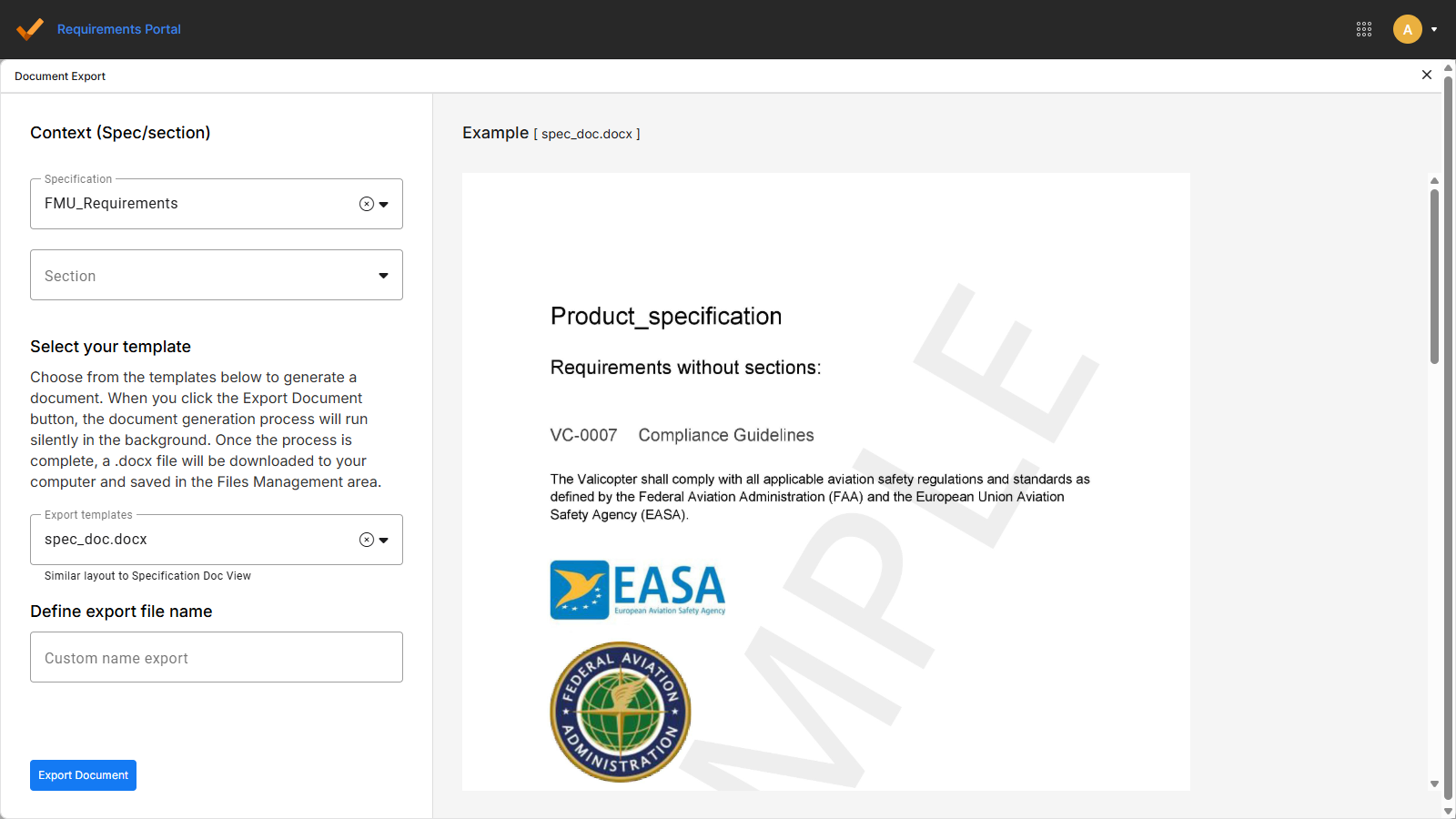
From the Requirements module or the Verification and Validation module, select Export > Document Export.
In the menu that appears, choose a template (e.g., Requirements Verification Matrix) and export your file in the desired format. Generated reports include current data from requirements and verification results.
Templates can be customized to fit your team’s needs.
See also Document Export for more information.