


What is a schematic
Schematic is the process of creating a logical representation of an electronic circuit. When you capture a schematic, you are connecting a collection of component symbols together in a unique way, creating your unique electronic product. When you perform your schematic capture electronically, you can create more than a high-quality printed representation of the design, perform related design tasks, such as a circuit simulation, and transfer the design to a PCB layout tool.
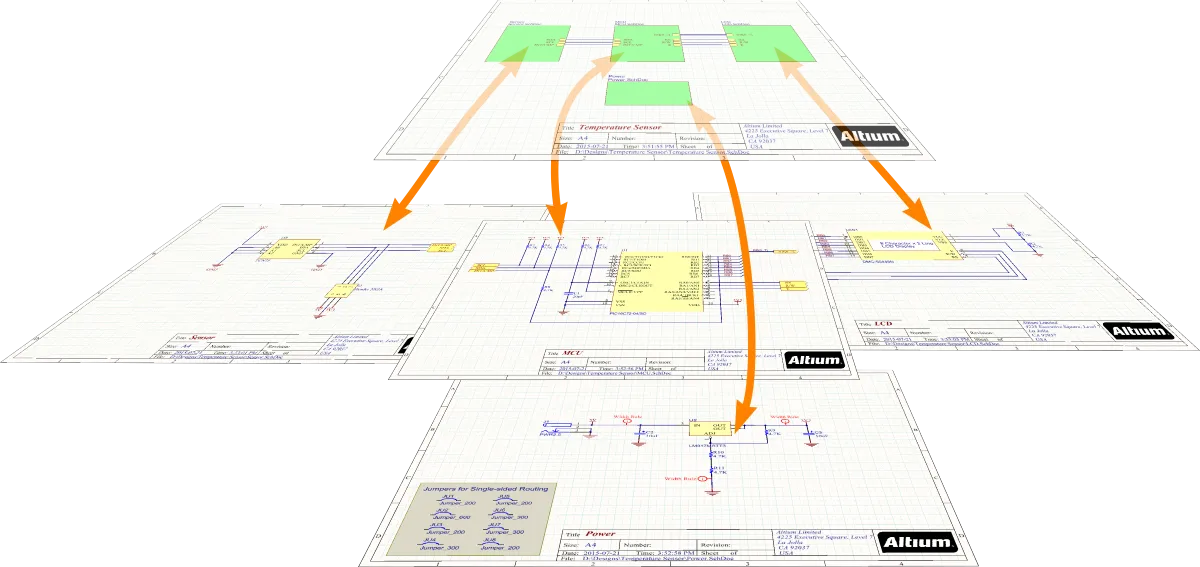
Setting Up a Schematic Document
To start capturing the schematic for your PCB design, add a new schematic document to the PCB project. To do this, right-click the project's entry in the Projects panel and select Add New to Project » Schematic command from the context menu. The default schematic document will open in the design space.

A newly created schematic document will be the active document in the design space.
